User Settings
The user settings allow control of some settings on the user interface and show information about the current users profile.
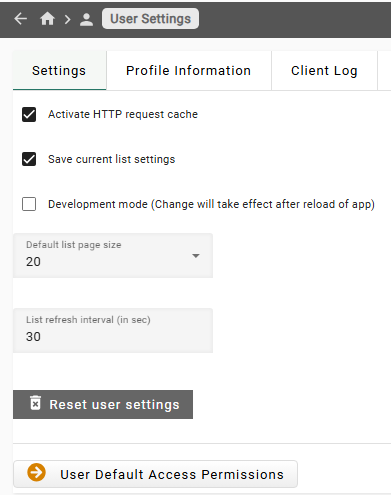
Development mode
When enabling development mode, the user can see links to objects that were not yet configured for the user interface. Some experimental features will also be visible.
HTTP cache
The HTTP cache stores responses from the core. This cache can be disabled. When disabled the user interface may be slower, but this might be useful to work around bugs, if they occur.