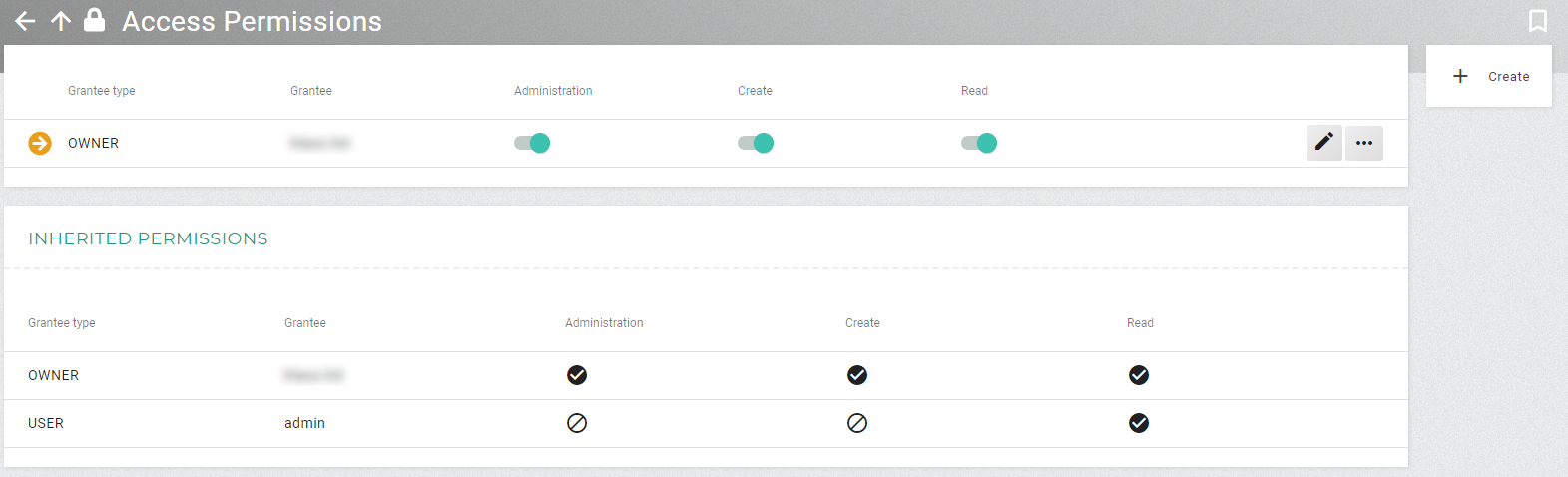
Context Menu
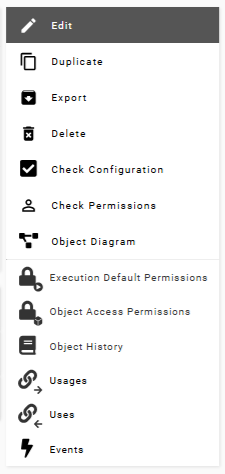
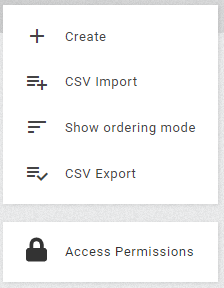
All possible actions for a list or entity are displayed in the top right of the main area. Whether certain actions are shown depends on the type of object and the individual permissions for the user on the current object or list. All actions are also listed in the popup for an entity in a list view.
The anchor bar helps navigate between the individual tabs of the embedded lists in the expandable panels. The anchor bar shows the corresponding panels with their tabs and, if available, also an indication of how many entries are included.
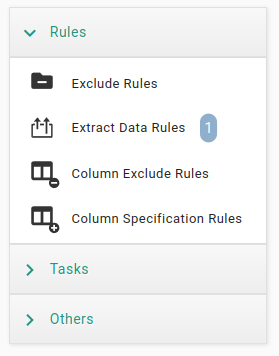
Clicking on a tab in the anchor bar opens the corresponding panel and selects the tab. Clicking on the display of the contained entries takes you to the corresponding list view of the entries.